Patient Therapy Controller
Abbott Patient Controller
People with Abbott's neurostimulation implants adjust their own therapy from a controller app. In early 2019 it ran on a dedicated iPod touch, carried next to their own phone. At a design workshop with Abbott's team I led the design of what it could be on iPhone: a controller that shows where your therapy sits in the range your clinician set, so the limit is something you can see before you reach it.
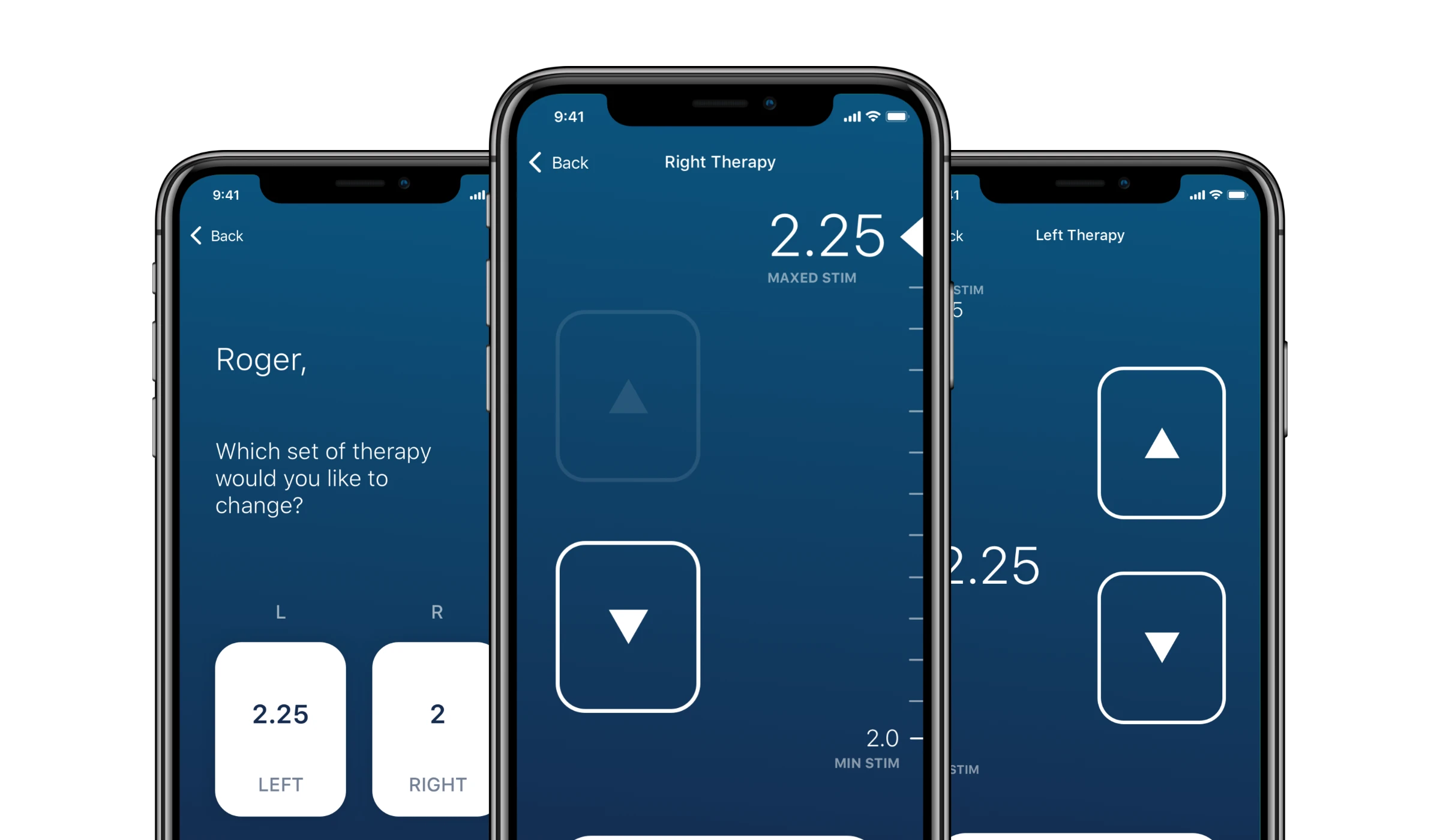
One question per screen
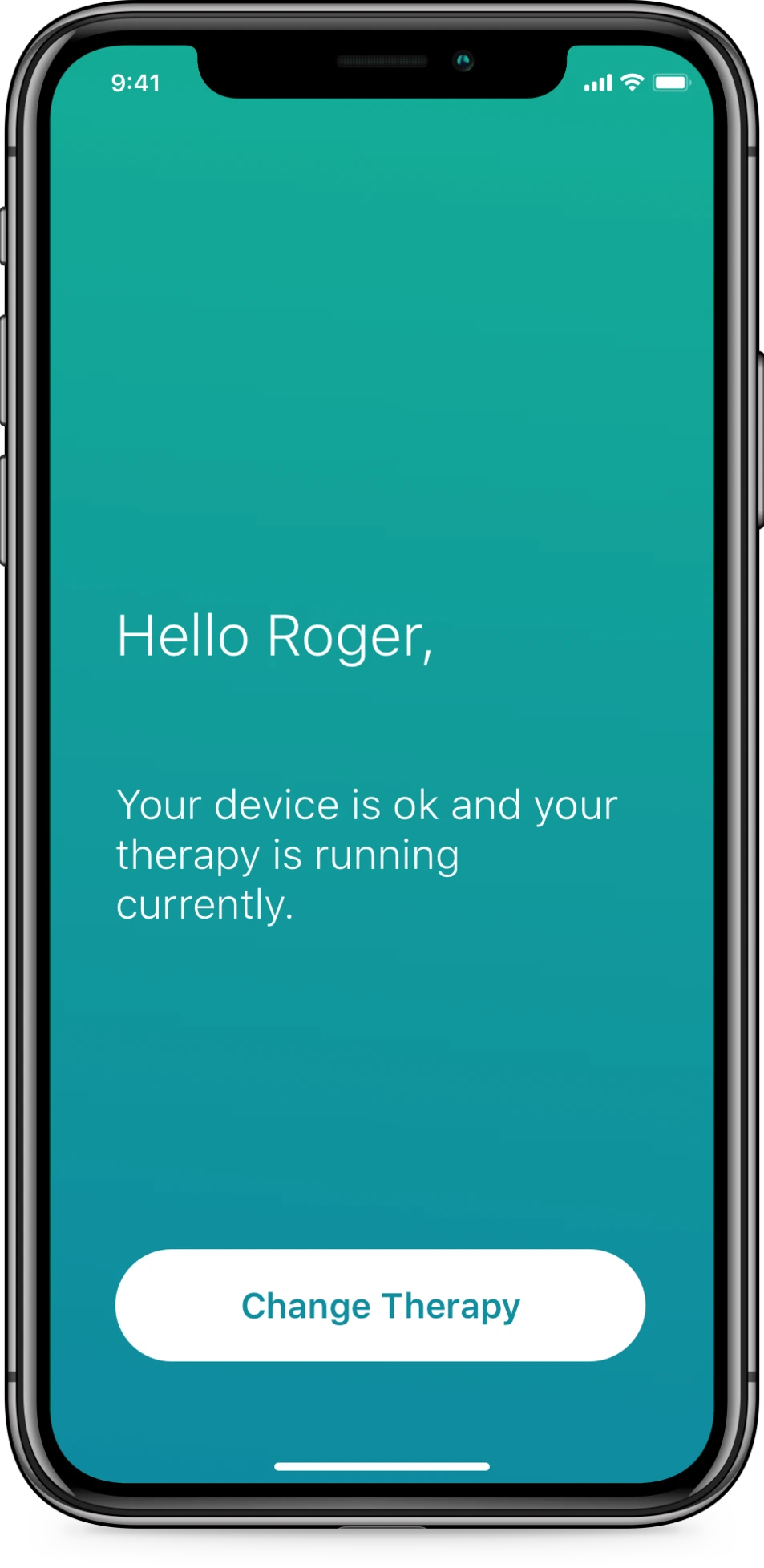
The people using this controller live with Parkinson’s disease, essential tremor or chronic pain. They open it to turn therapy down, turn it up or switch it off, often on a bad day and sometimes with a tremor.
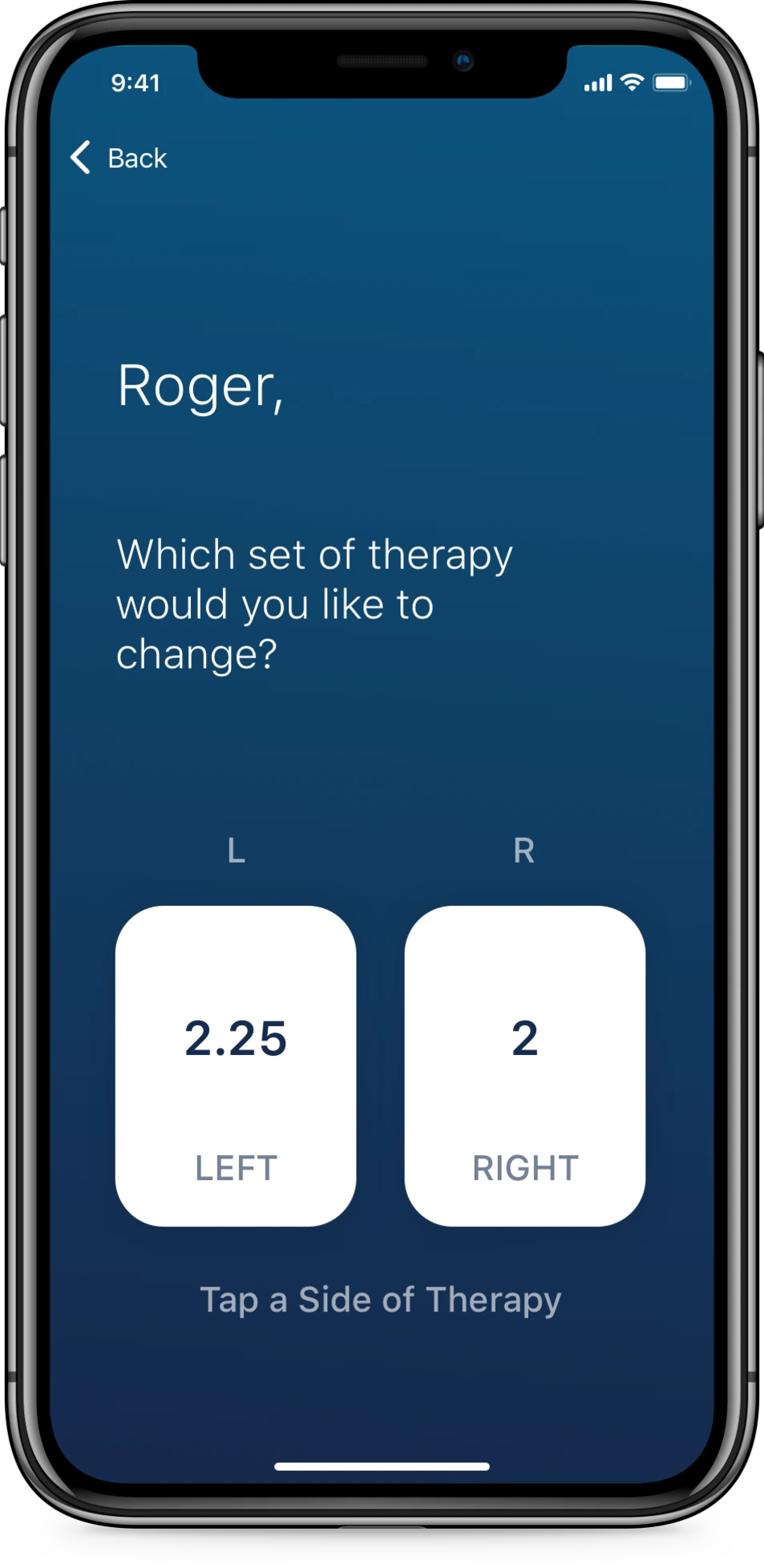
So the flow asks one thing at a time. Is my therapy running? Which side? Up or down? Each screen has one main action, in large type, on one plain colour.
Where you are in your range
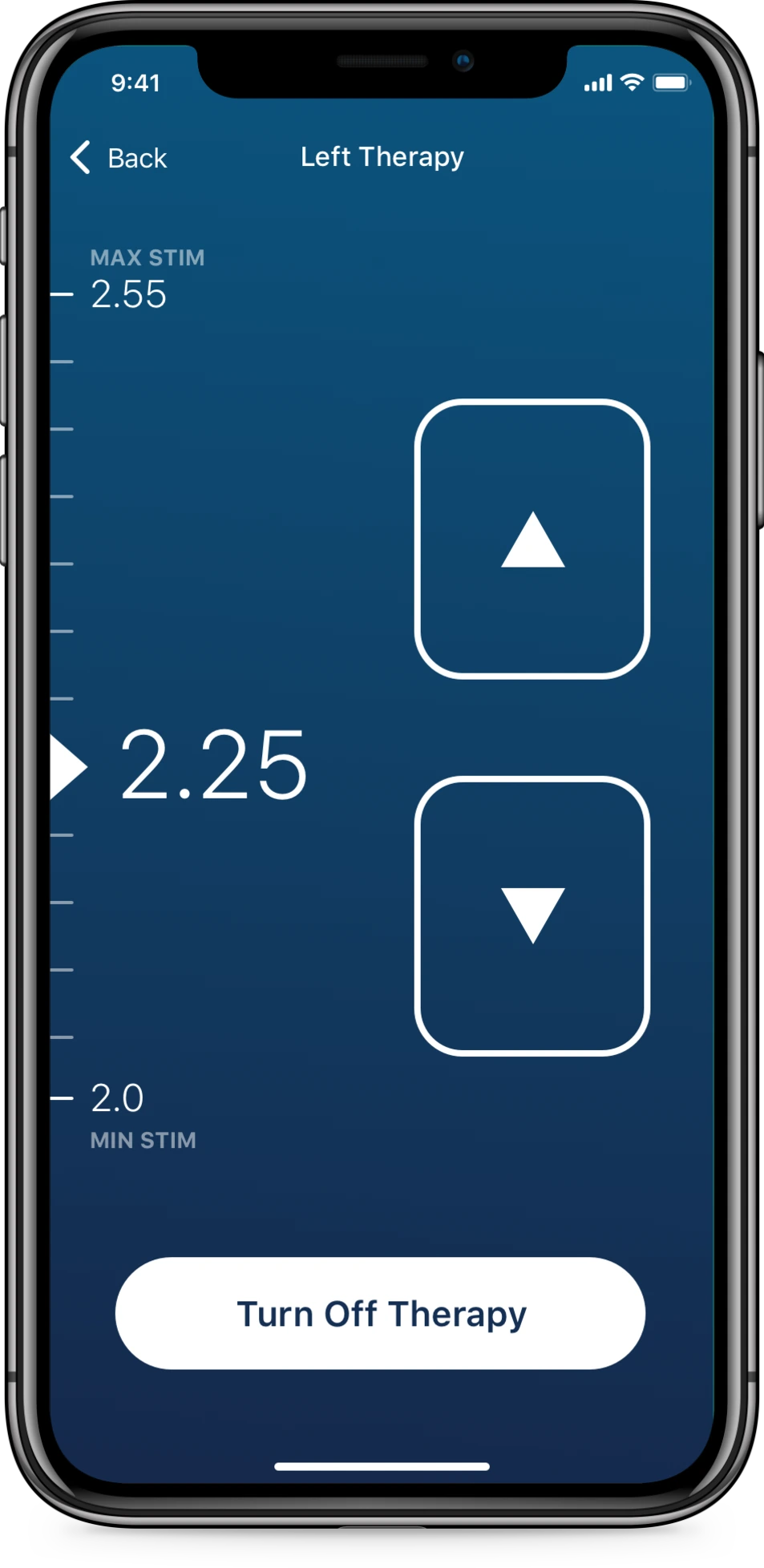
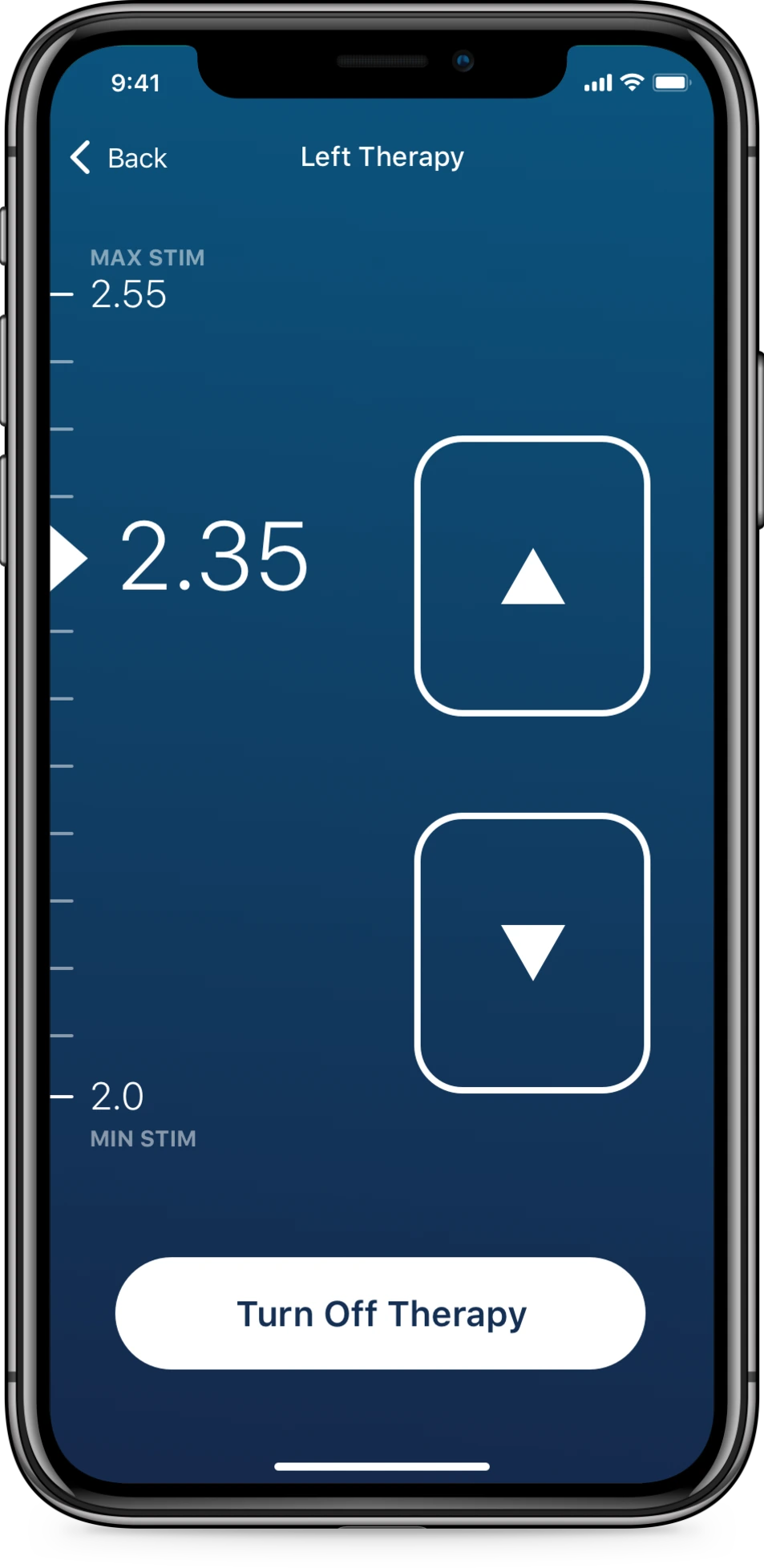
Every adjustment screen draws that side’s range, from the lowest to the highest setting the clinician allows, and marks the current value on it. The value moves up the scale as the strength goes up, so you can see how much room is left before you touch anything.
The limit, before you reach it
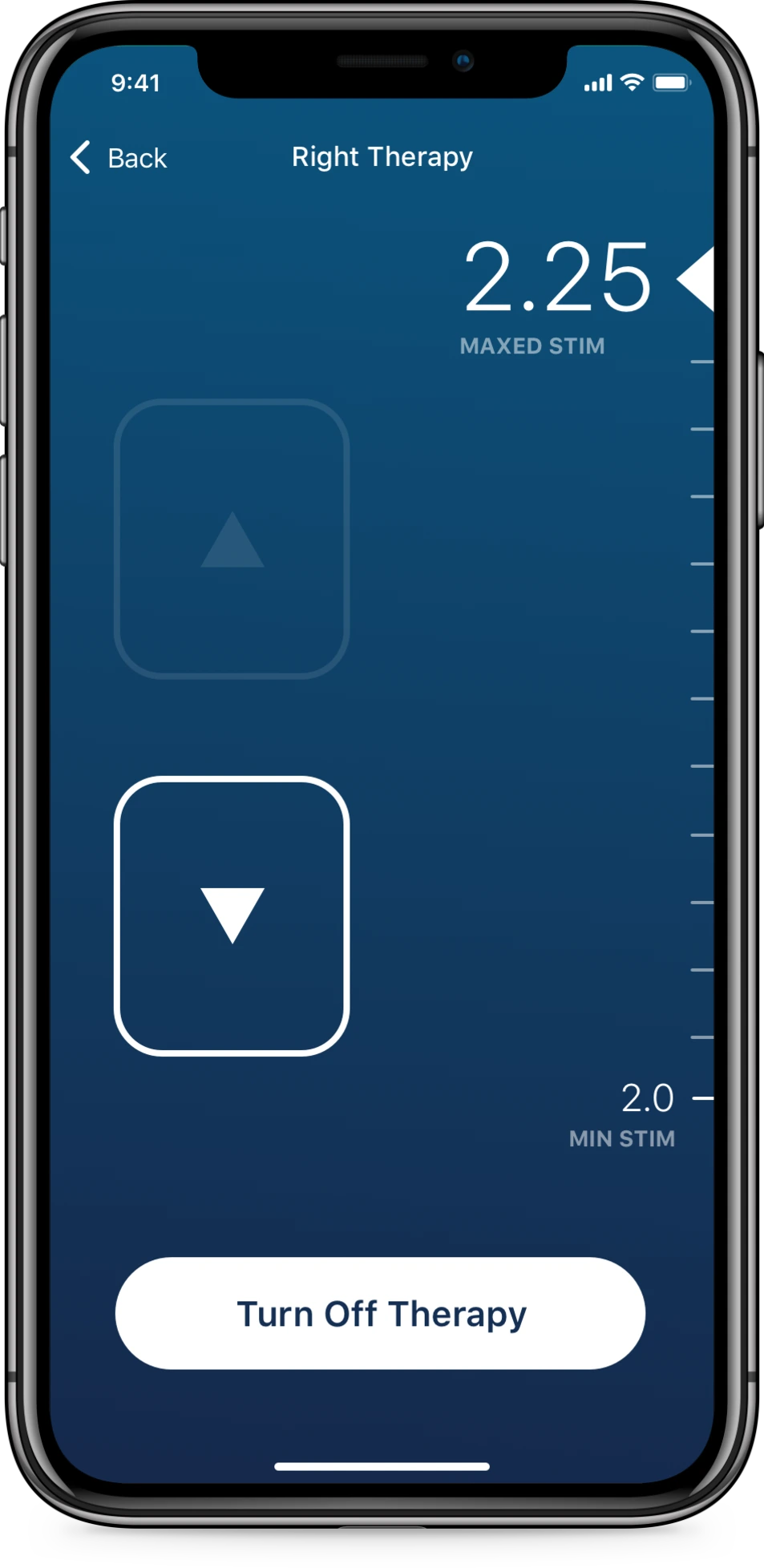
Each side has its own range. At 2.25 the left side has room to go up, and the right side is at its ceiling. The screens show the difference, so nobody has to remember which side has which limit.
At the maximum, nothing new appears. The value reaches the top of the scale and reads Maxed Stim. The increase button dims where it is and keeps its size, so nothing under the thumb moves. Decrease and Turn Off Therapy look exactly as they did one tap earlier.
What happened next
In July 2020 Abbott announced FDA approval for its Patient Controller app on compatible personal iPhones, so patients no longer need to carry a separate controller. The screens on this page are the 2019 designs from the Apple engagement, not the app Abbott released. The same year at Apple I also redesigned Delta’s app for its flight attendants.
- Client
- Abbott, through Apple Consulting Engineering
- Workshop
- January 2019
- Designs
- iPhone, March 2019